
Stop rebuilding the same invoice every month.
Set up recurring invoices and let Kwill generate the next invoice on schedule, so your recurring billing workflow takes less manual work.
Monthly clients should not mean monthly busywork.
Recurring clients should not mean recurring busywork. Set the schedule once. Kwill generates the next invoice so you can review and send.
The traditional process
Manual every month. Easy to miss.
The Kwill workflow
Set schedule → Generate → Review → Send
Schedule once. Generate on time. Send with ease.
Kwill automates invoice creation, not client charging and not sending. You stay in control of every invoice that goes out.
Create recurring invoice
Define the client, line items, and amount once the template for every cycle.
Set the schedule
Choose how often the next invoice should be generated monthly or on your cadence.
Kwill generates the next invoice
On schedule, Kwill creates the next invoice as a draft and emails you to review.
Review and send
Check the draft, adjust if needed, then send it to the client yourself. Nothing goes out automatically.
Generated invoices stay as drafts until you review and send them. Clients are not charged automatically on a subscription schedule.
Made for relationships that bill on a rhythm.
Whether it is a retainer or a monthly service package, recurring invoices cut the busywork out of ongoing client billing.
Monthly retainers
Bill retainer clients on a fixed cadence without rebuilding the invoice.
Ongoing consulting
Keep advisory and strategy engagements invoiced on schedule.
Maintenance services
Generate recurring invoices for support, hosting, and upkeep plans.
Recurring design work
Cover monthly creative packages with a repeatable billing setup.
Monthly marketing services
Stay on top of content, ads, and SEO retainers without calendar chaos.
Subscription-style services
Schedule invoice generation for ongoing offers you still review and send each one.
Set the cadence. Stop rebuilding invoices.
Create a recurring invoice once, pick the schedule, and let Kwill generate the next draft when it is due so retainers and monthly work stay on track.
- Schedule monthly or ongoing billing cycles
- Next invoice generated as a draft on schedule
- Email reminder when a new draft is ready
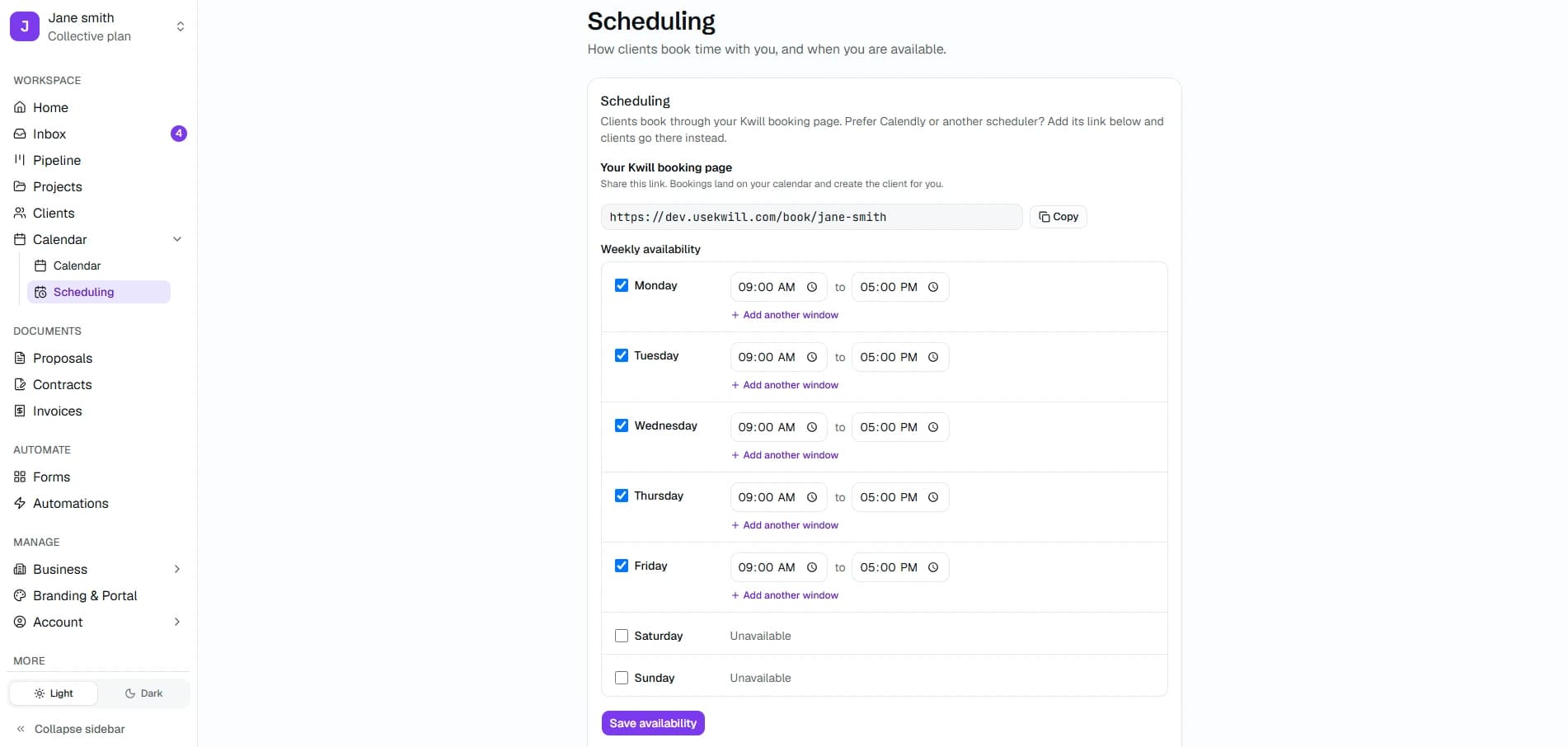
You review. You send. You stay in control.
Kwill does not auto-send invoices or auto-charge clients. Every generated invoice waits as a draft until you approve and send it.
- Edit amounts or dates before sending
- Send only when the draft looks right
- No automatic Stripe subscription charging
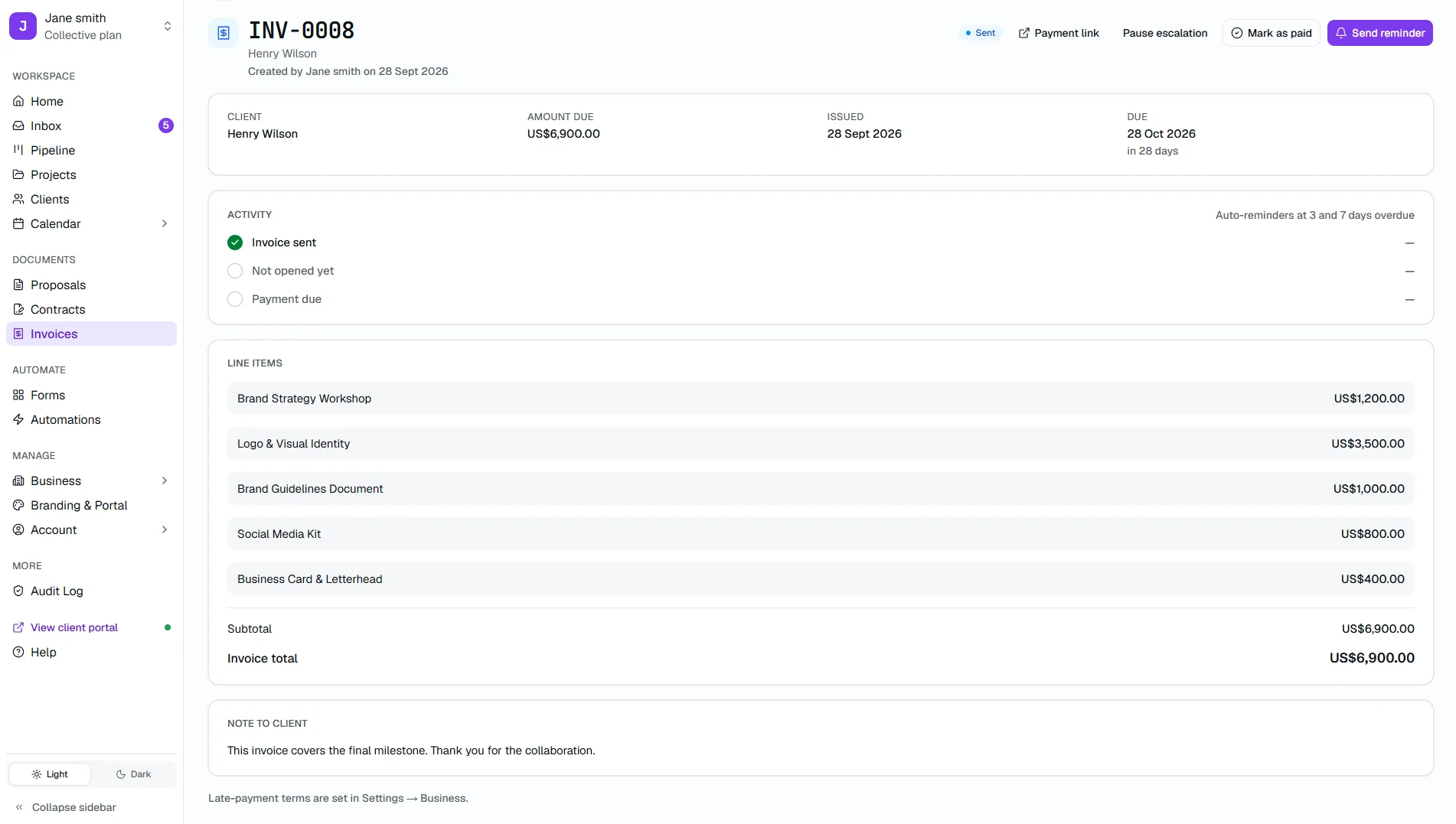
Ongoing clients, without the monthly scramble.
Keep recurring billing tied to the same clients, projects, and portal you already use in Kwill — not a separate invoicing spreadsheet.
- Draft invoices ready in your workspace
- Collect payment through Stripe after you send
- One workflow for retainers and repeat services
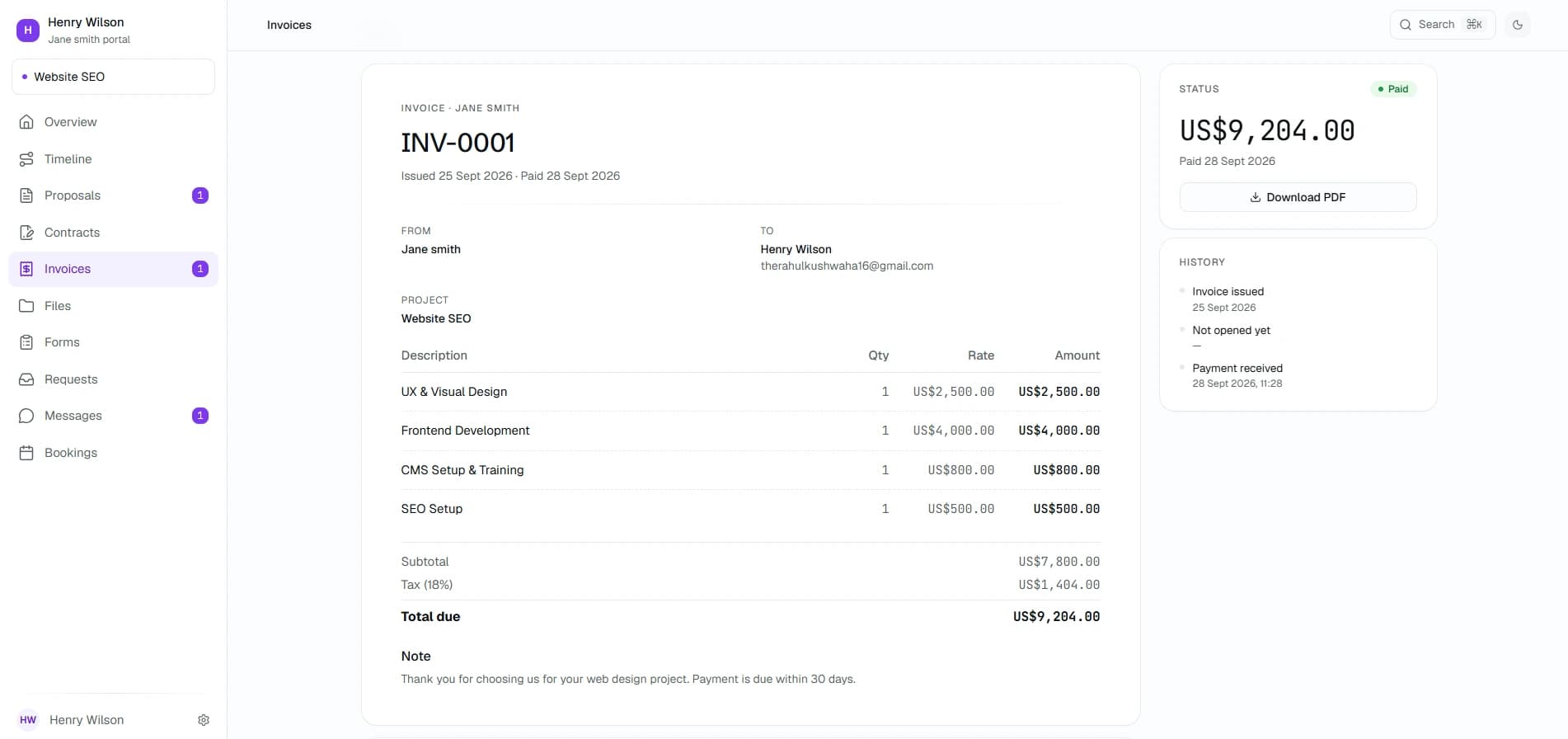
From schedule to payment, every stage is clear.
Kwill generates the next invoice on schedule as a draft. You review it, send it, and collect payment through Stripe. Clients are not auto-charged.
Invoices are not sent or charged automatically — you review and send each draft.
Recurring billing inside your whole client workflow.
Recurring invoices sit alongside clients, projects, payments, and your portal, not as a standalone invoicing tool.
Recurring invoice questions
How scheduling, draft generation, review, and sending work in Kwill.

Look like an agency of ten, even if you're a team of one.
Free to start. Takes 5 minutes. Your brand, not ours — in any currency, from any country.